Note
Before continuing with this article, learn how to Create a User
After creating a user, the user appears in the Pending Users list.
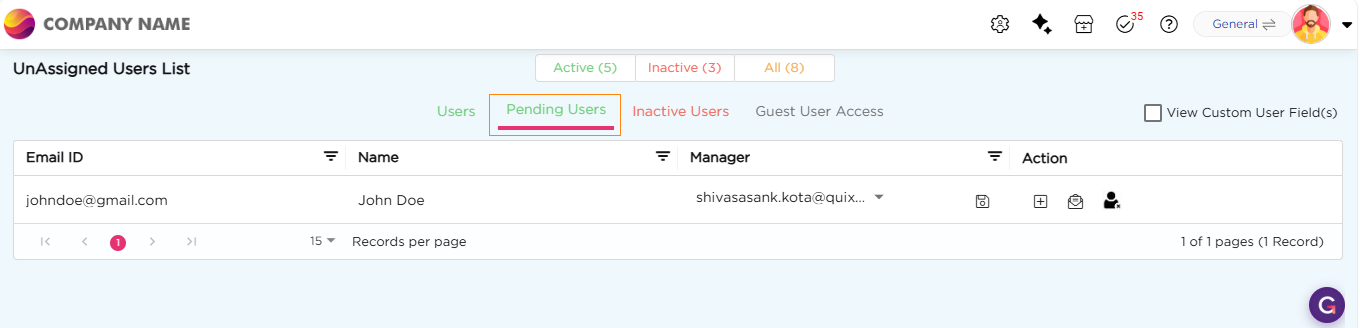
To activate the user, complete both steps:
1. Email Confirmation:
- Email confirmation can be done in two ways.
- A confirmation email is sent to the user. They must confirm the email.
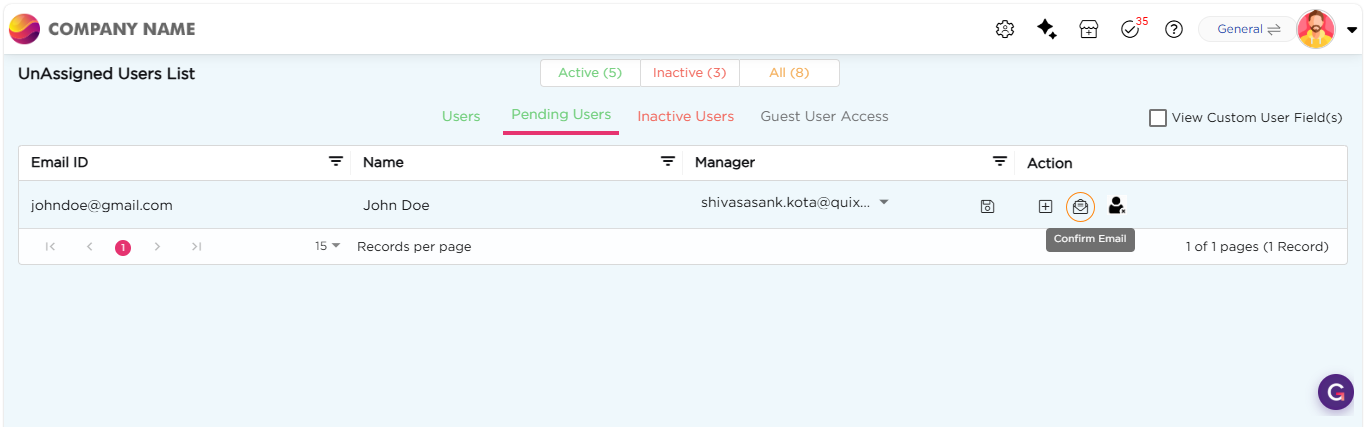
- Admin also has the authority to confirm mail by navigating to
- Admin menu → Users → Users → Pending Users
- Choose the Pending User and Click on Confirm Mail.
2. Assign Role:
- Assign at least one role to the user. A user becomes active only after role assignment. Learn to Assign Role
3. Once both conditions are met, the user will move from Pending to Active.