In this section CDs can configure the usability options of the grid for the end-users.
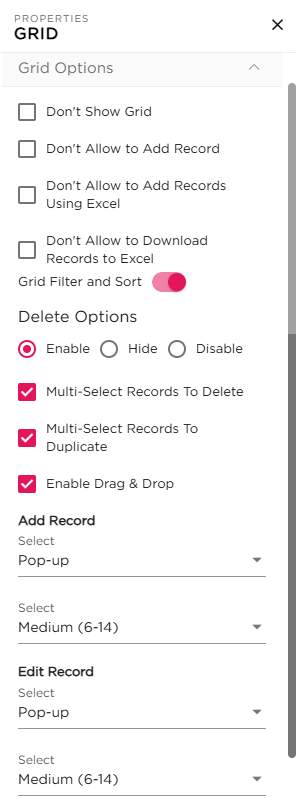
¶ 1. Grid Visibility and Access Controls
| Option | Description |
|---|---|
| Don’t Show Grid |
Enabling this option will temporarily hide the grid from the application and it is not visible to the end-users. 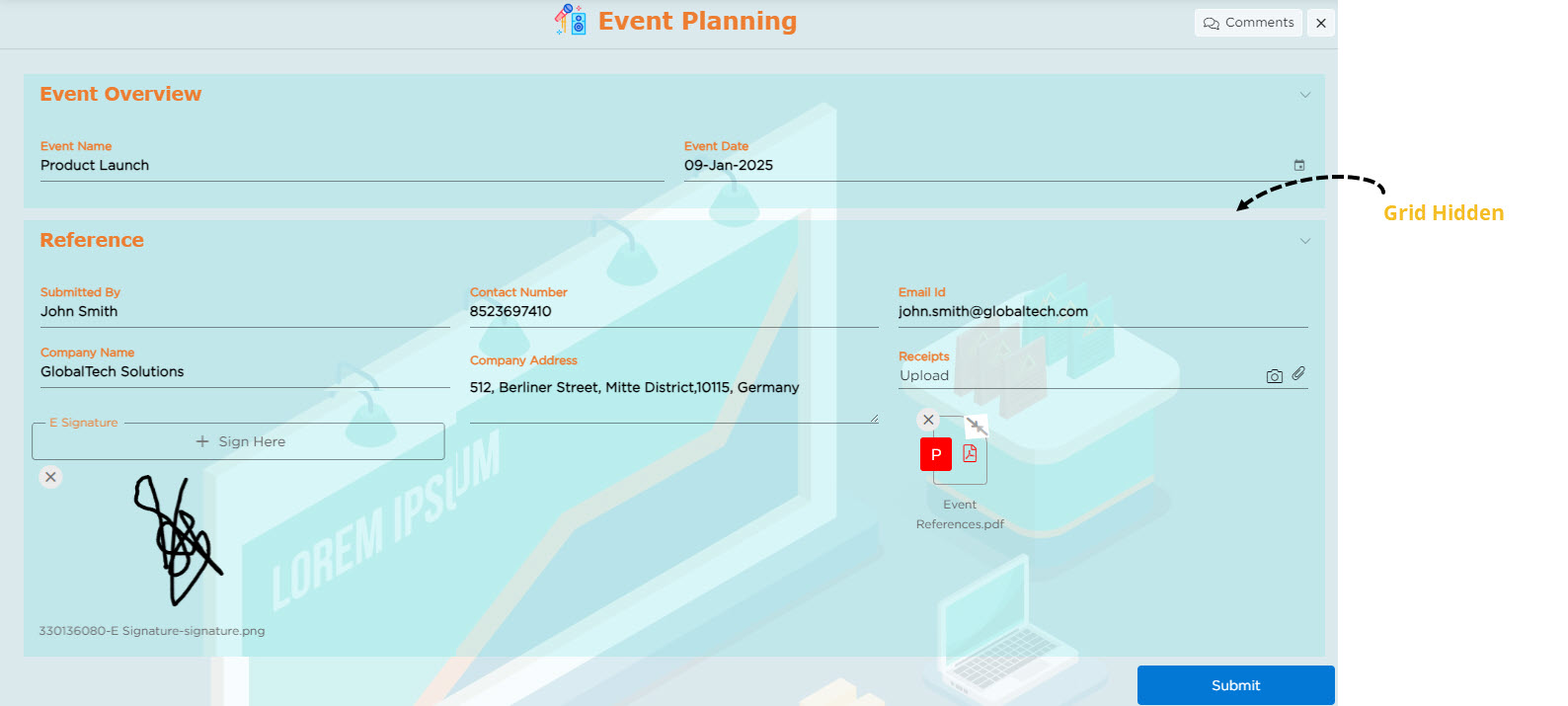 |
| Don’t Allow to Add Record |
Enabling this option will disable the Add Record button and prevent users from adding new records. 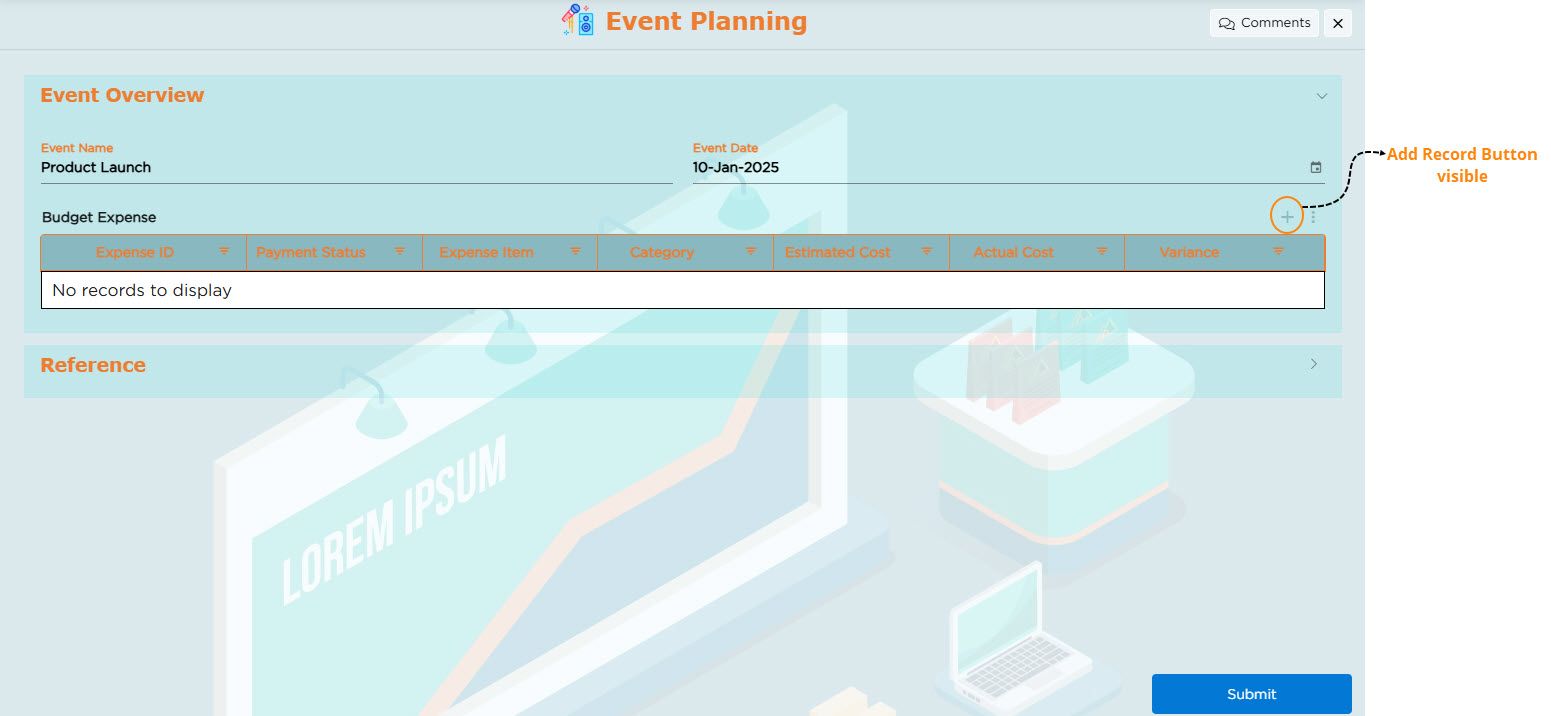 After 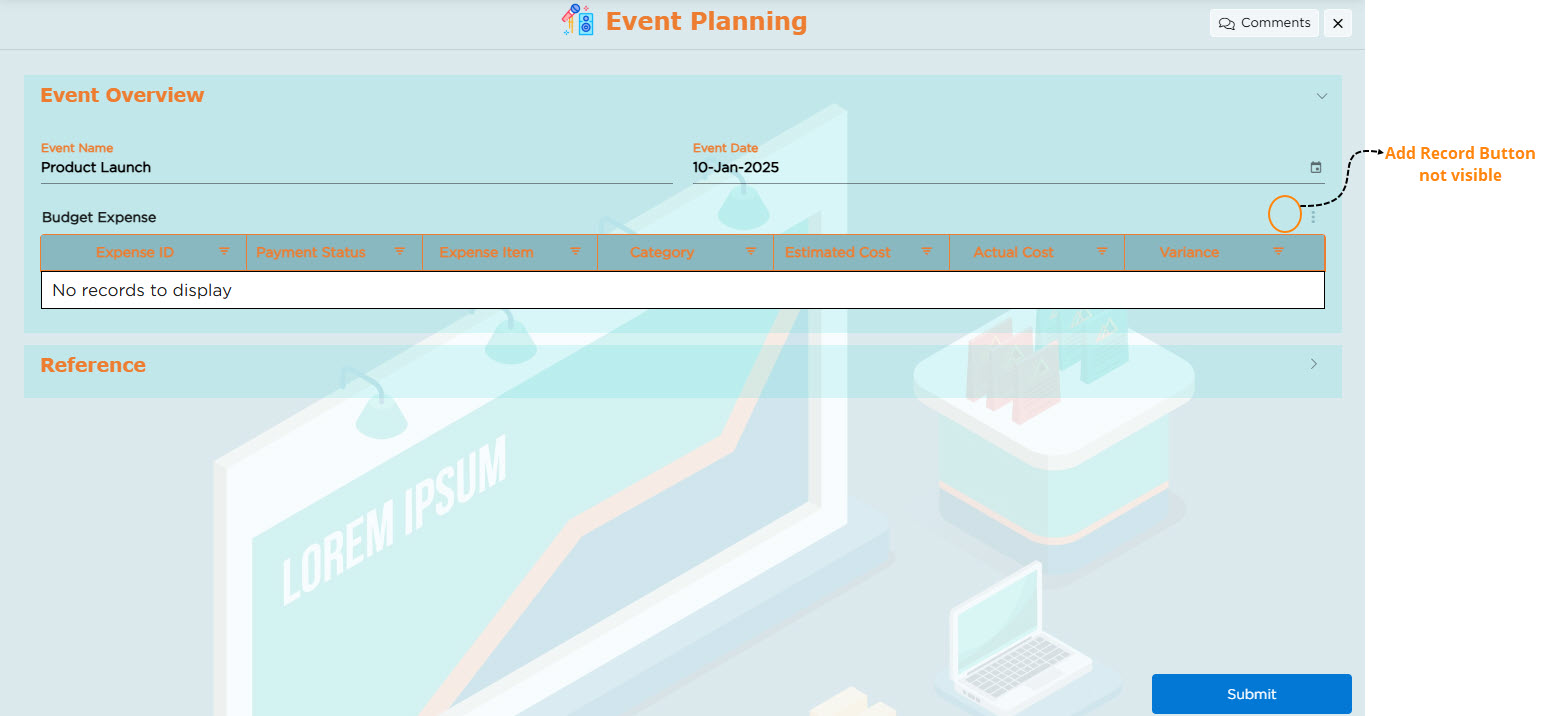 |
| Don’t Allow to Add Records Using Excel |
Enabling this option will remove the Excel upload option and prevent users from uploading records using Excel files. 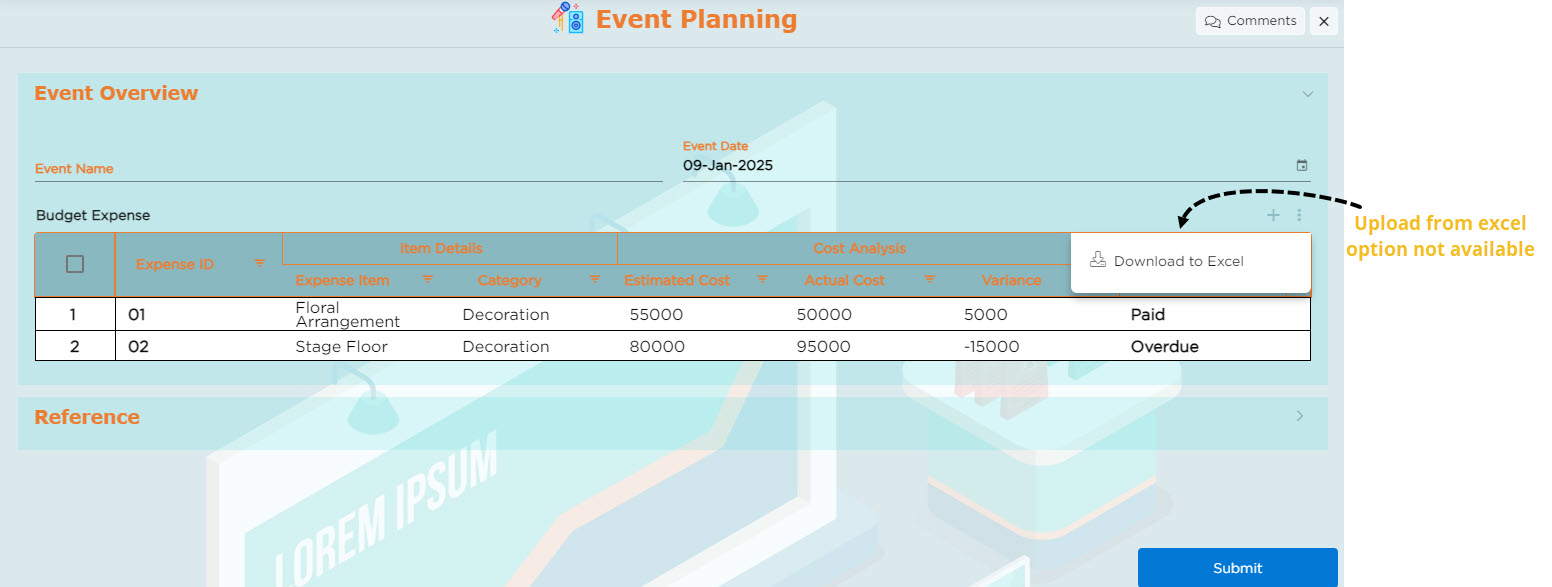 |
| Don’t Allow to Download Records to Excel |
Enabling this option will remove the Excel download option and prevent users from downloading grid records into Excel files. 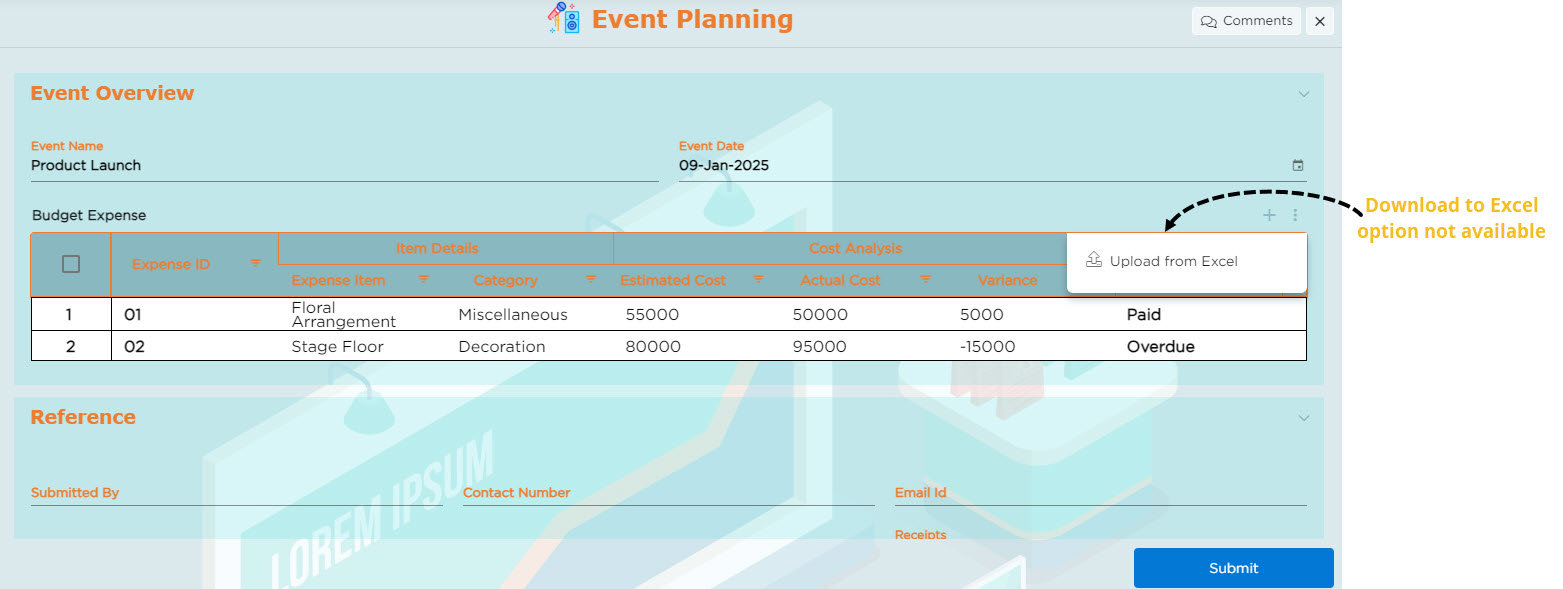 |
¶ 2. Delete Options
Delete options are used to manage record deletion functionality within the grid. The available options are Enable, Hide, and Disable.
| Option | Description |
|---|---|
| Enable |
This option allows CDs to include a delete icon for every record in the grid. End users can use this icon to delete records from the grid. 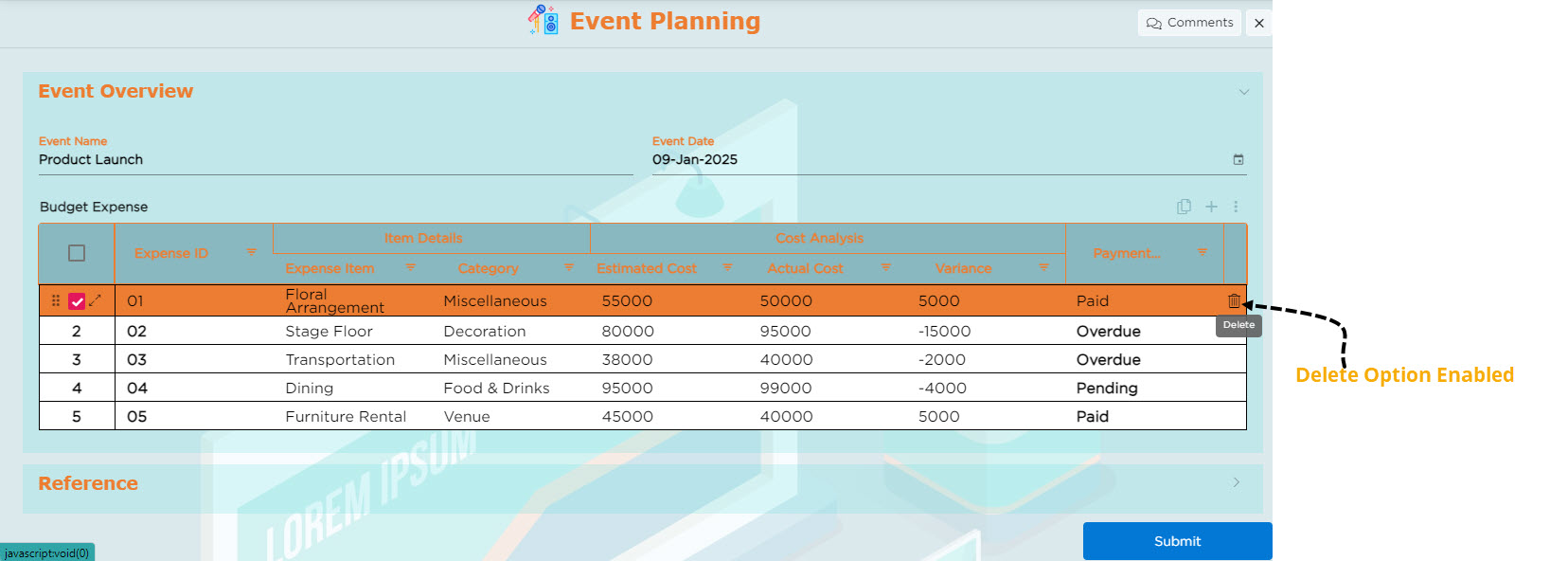 |
| Hide |
This option allows CDs to remove the delete icon temporarily from the grid and it will not be visible to the end users. 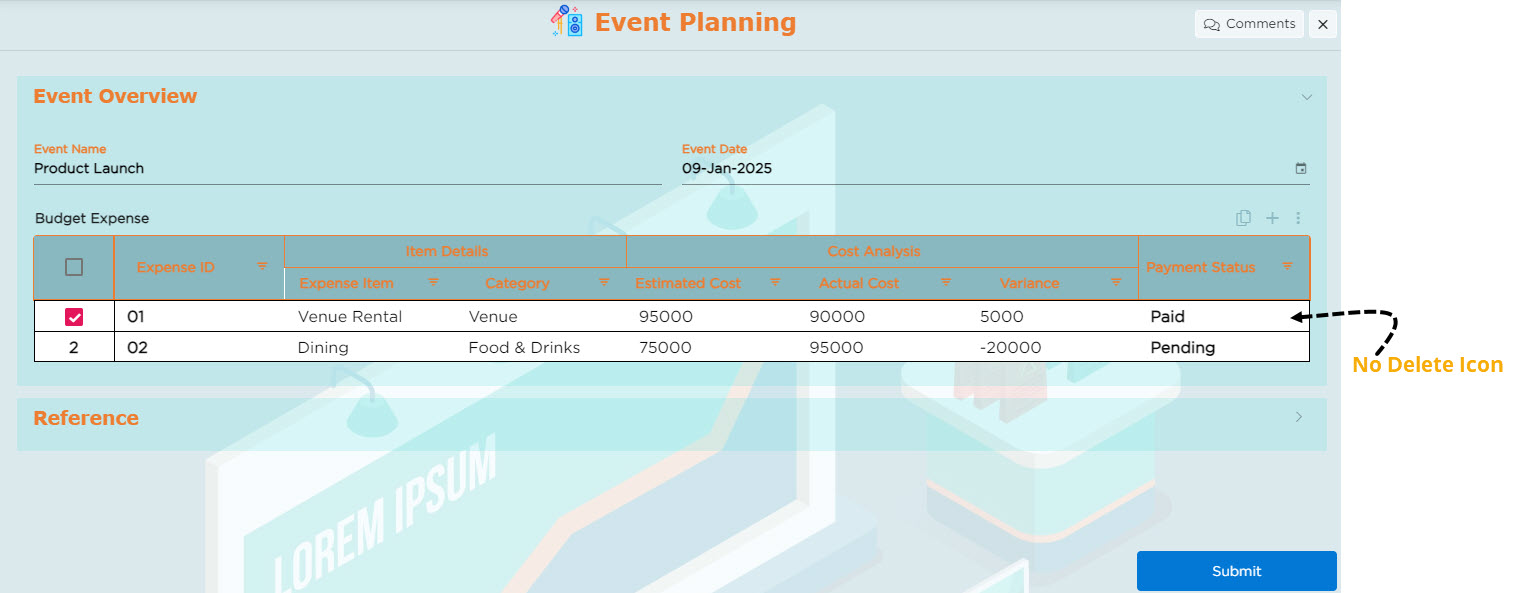 |
| Disable |
This option allows CDs to keep the delete icon visible in the grid while disabling its functionality. End users can still see the delete icon, but it will be in a view-only mode. 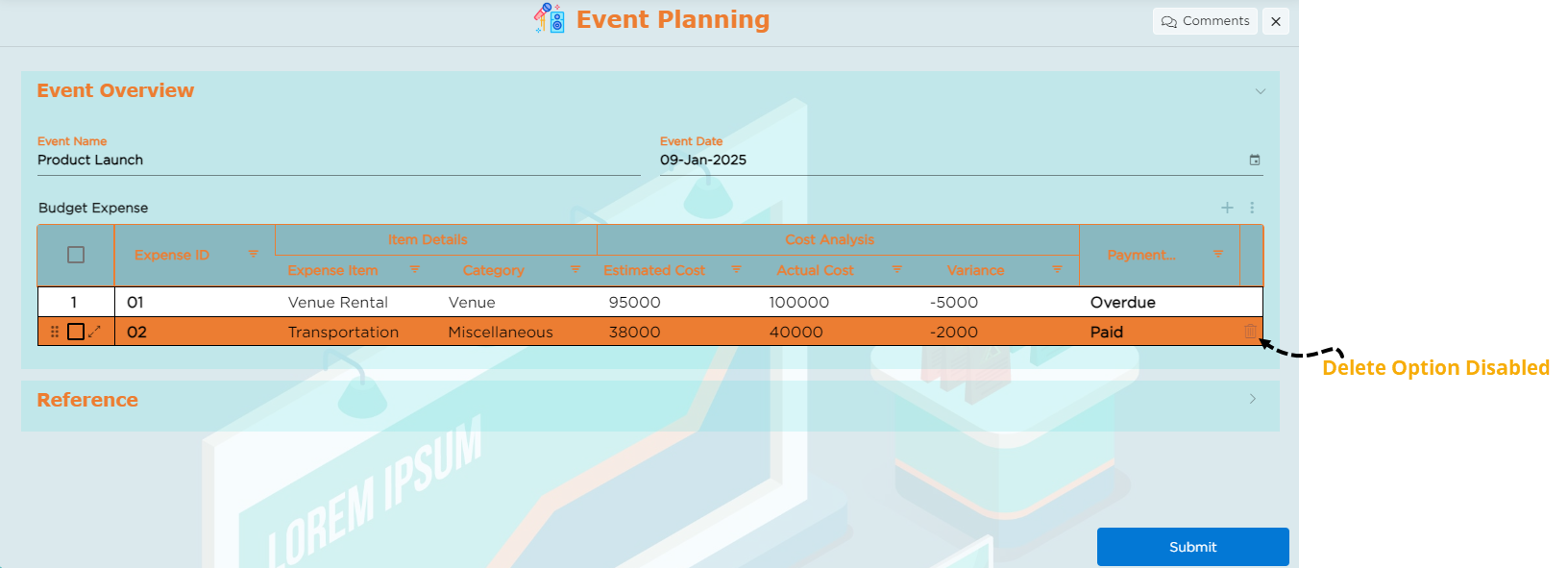 |
| Multi-select Records to Delete |
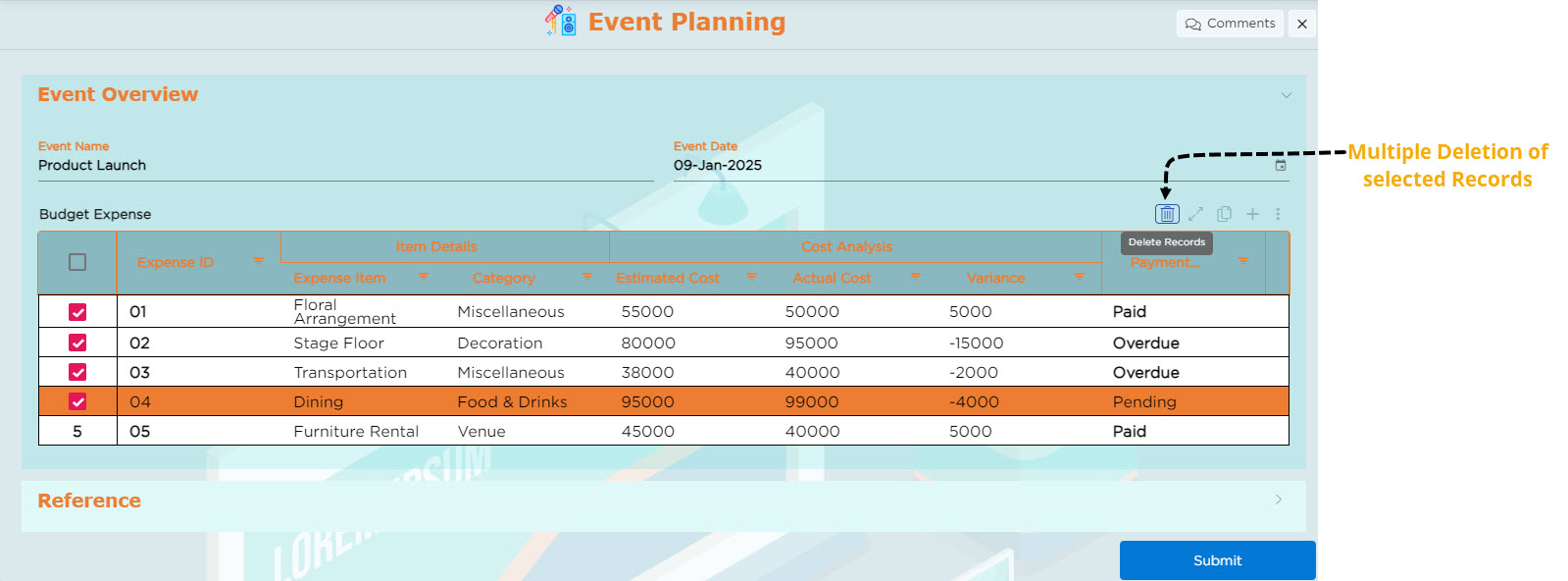
Enabling this allows users to select multiple records at once and delete them. 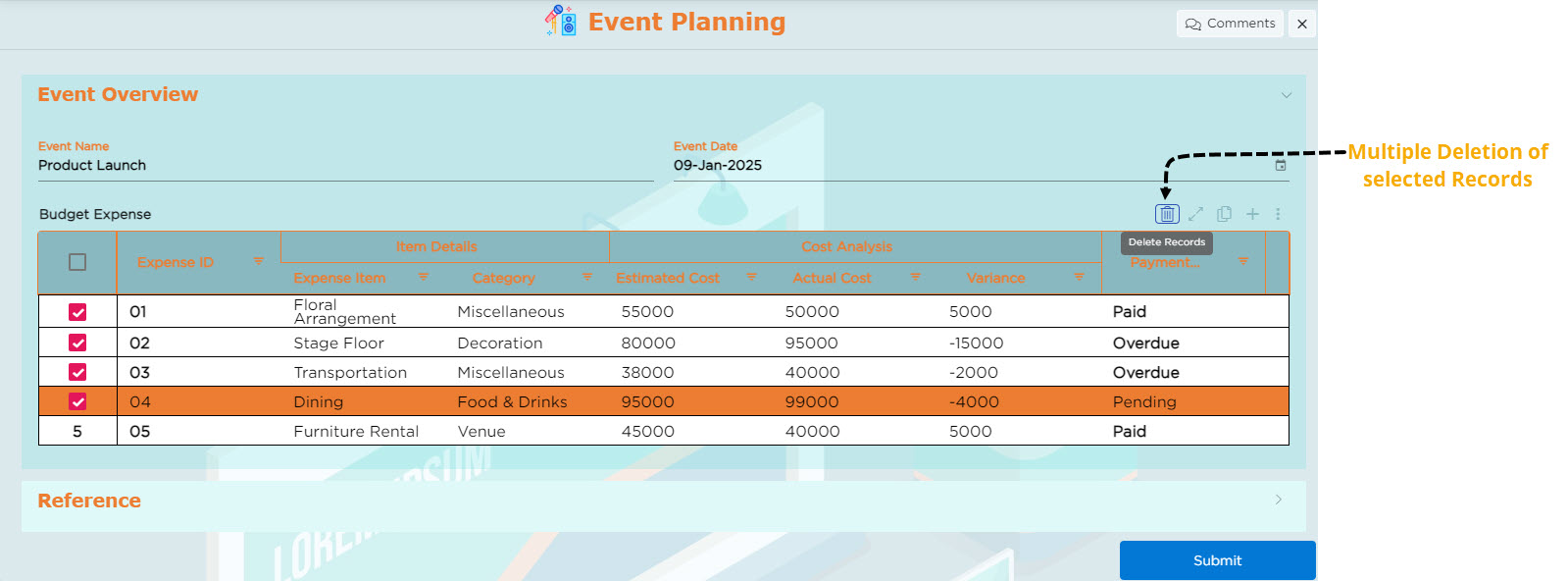 |
| Multi-select Records to Duplicate |
Enabling this allows users to select multiple records at once and duplicate them. 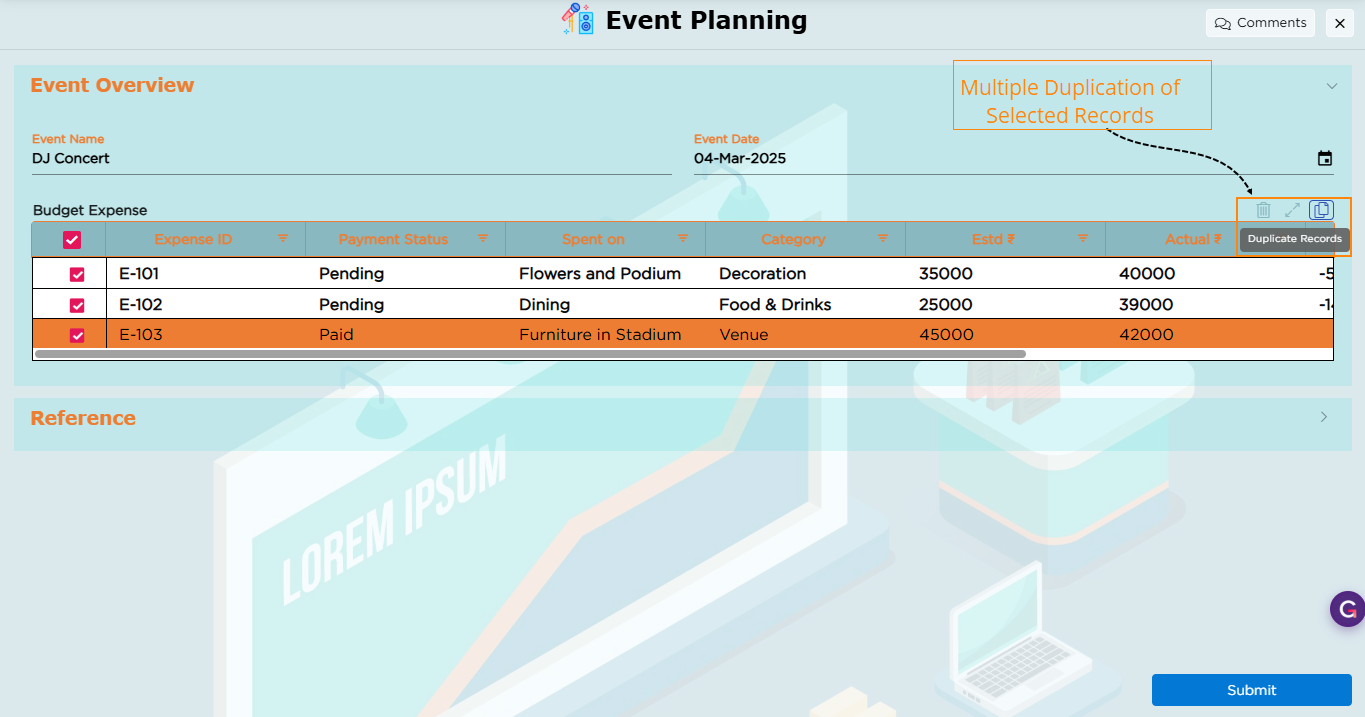 |
¶ 3. Record Configuration
The grid provides multiple record configuration options that allow end-users to Add Records and Edit Records using different interaction modes based on the business requirement and user experience.