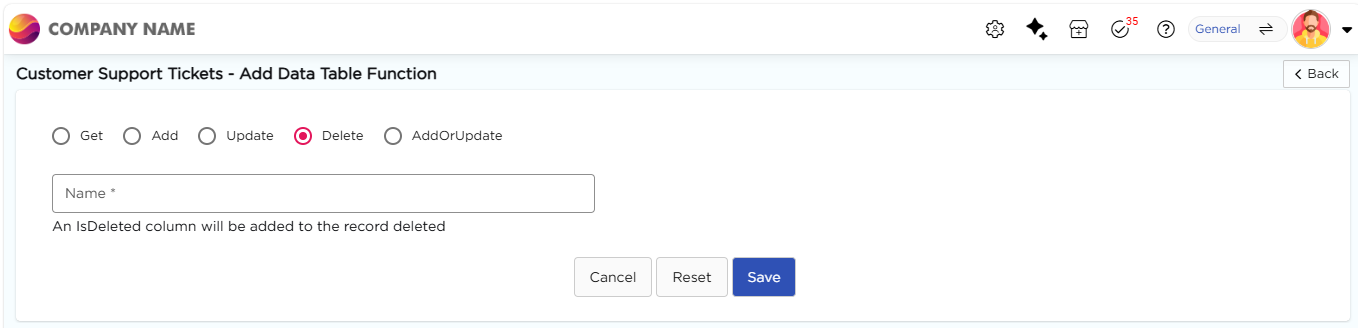
The Delete function removes a record from the data table when a matching value is received from the application. This is used to delete existing records, such as when a user cancels a request or removes an item in the app.
¶ 1. Steps to create a Delete function
- Go to Admin Menu → Database → Data Tables. You will land on the Data Tables List page.
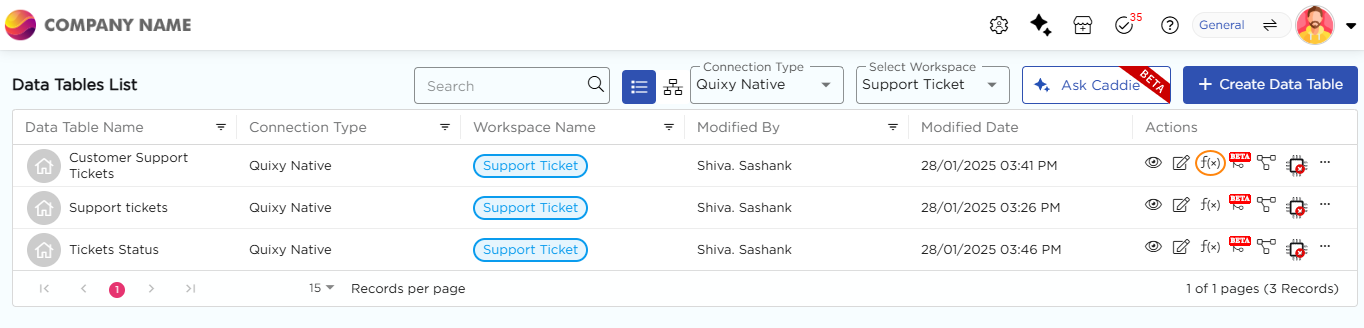
- Select the required data table and click the f(x) icon under the Actions column. You will land on the Data Table Function page.
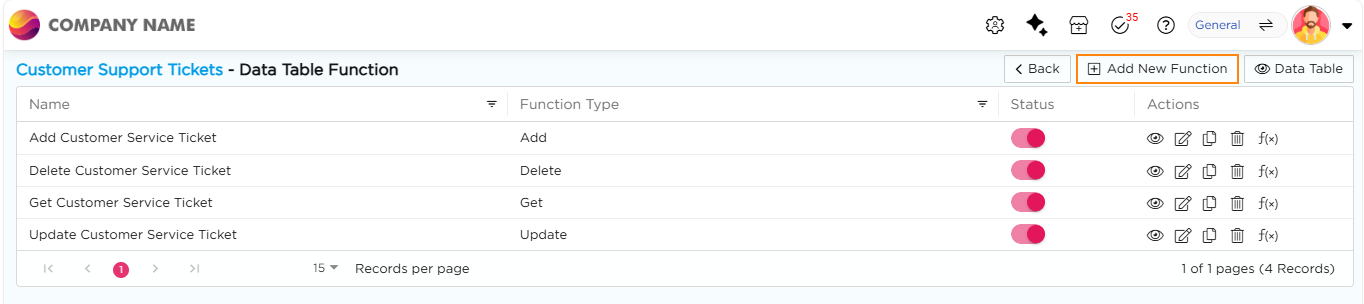
3. Click + Add New Function. You will land on the Add Data Table Function page.
4. Select Delete as the function type and enter a name for the function.
5. Click Save to store the data function.