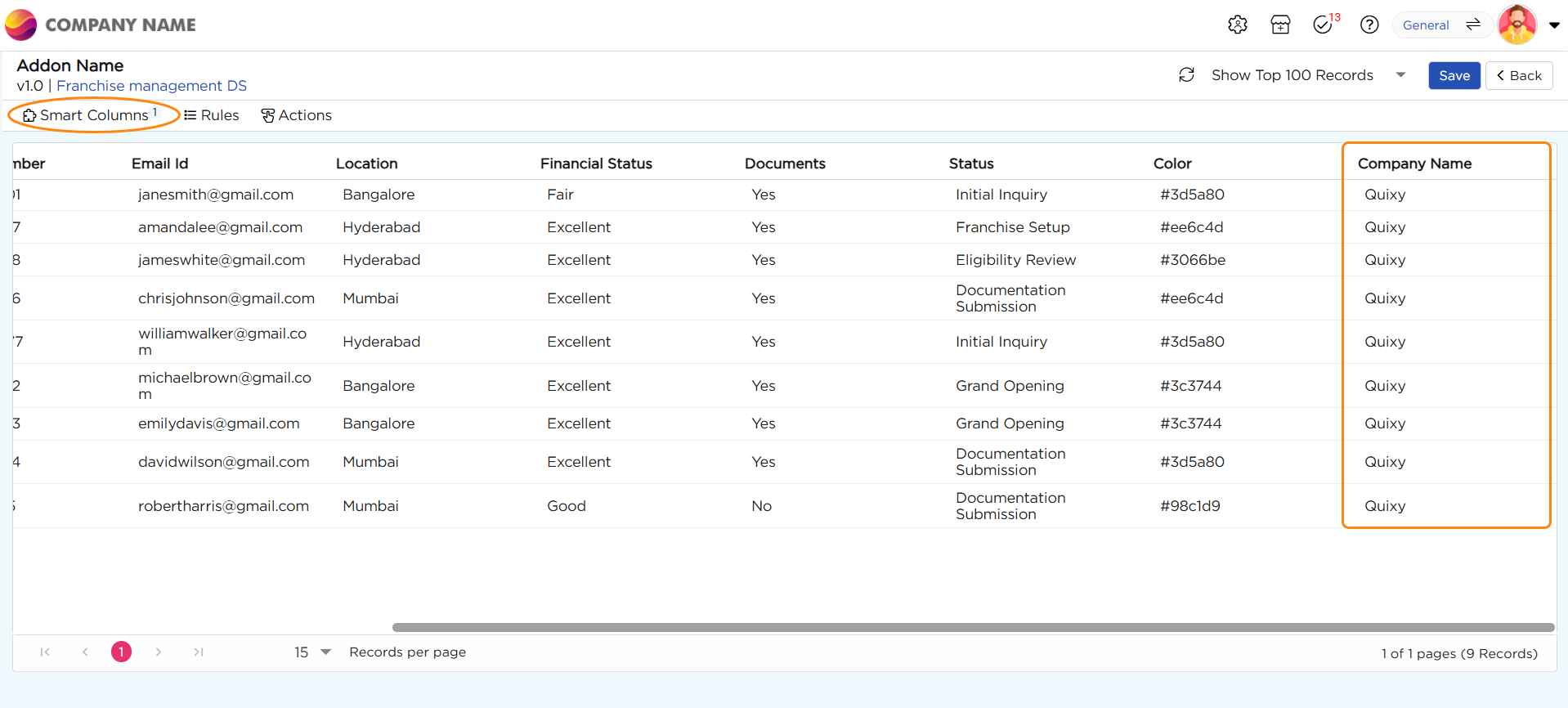
This section explains how to configure Smart Columns within an Add-On.
¶ 1. Configure Smart Columns
- Navigate to Smart Columns and select Add Smart Column.
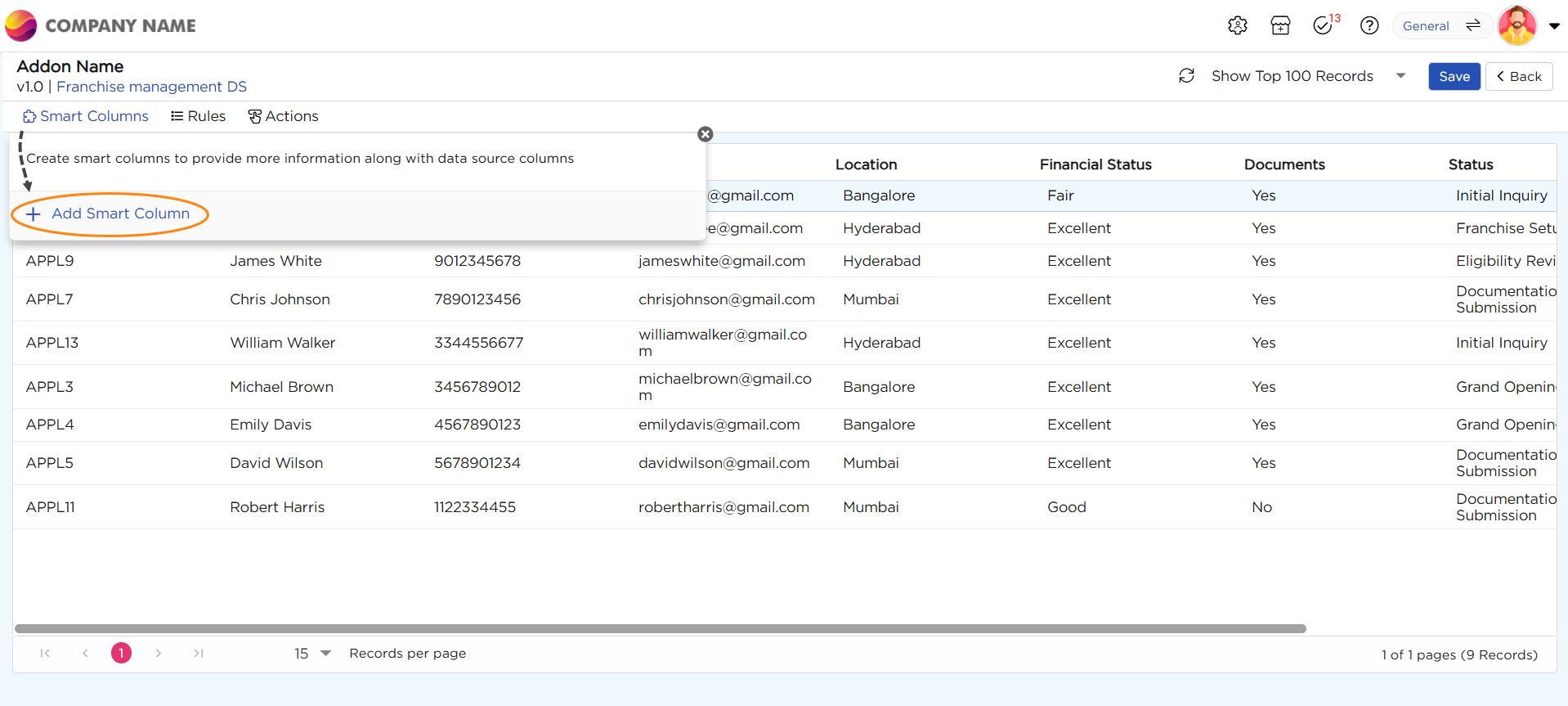
2. A drop-down menu will appear, displaying the available field types, including:
- Boolean
- Calculate
- Date
- Date Time
- Email ID
- Number
- Phone Number
- Text
- Time
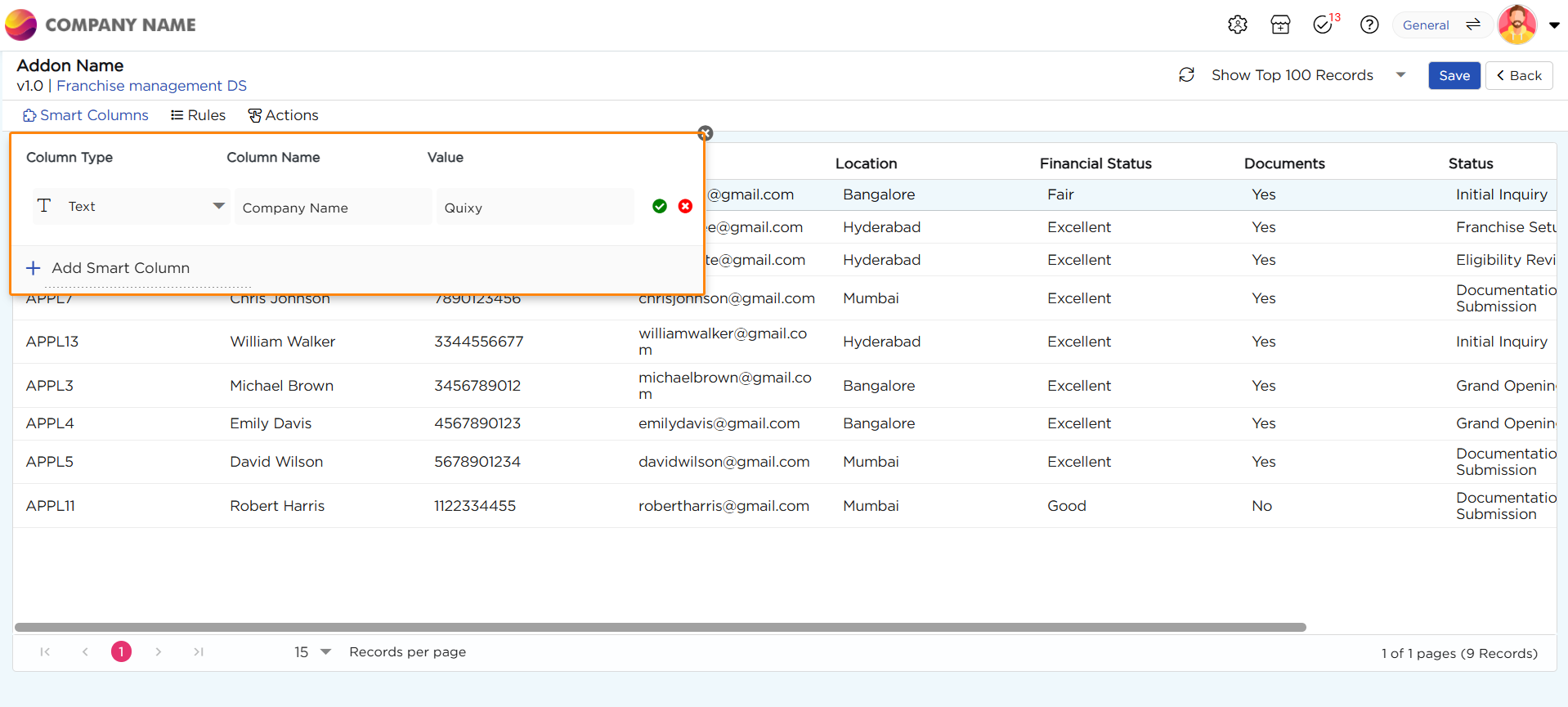
3. Let’s choose "Text" as an example. Upon selecting "Text," there are three options:
- Column Type: Element Type
- Column Name: Assign a name for the column.
- Value: Enter a value that remains the same for all rows.
4. A new column is created with the specified name, and the static value is applied to all rows.