After entering all the key details on the Action Details page, the next crucial step is mapping the elements. This process is essential for establishing a connection between the data source (such as a List View) and the relevant fields within the application.
¶ 1. What is Mapping?
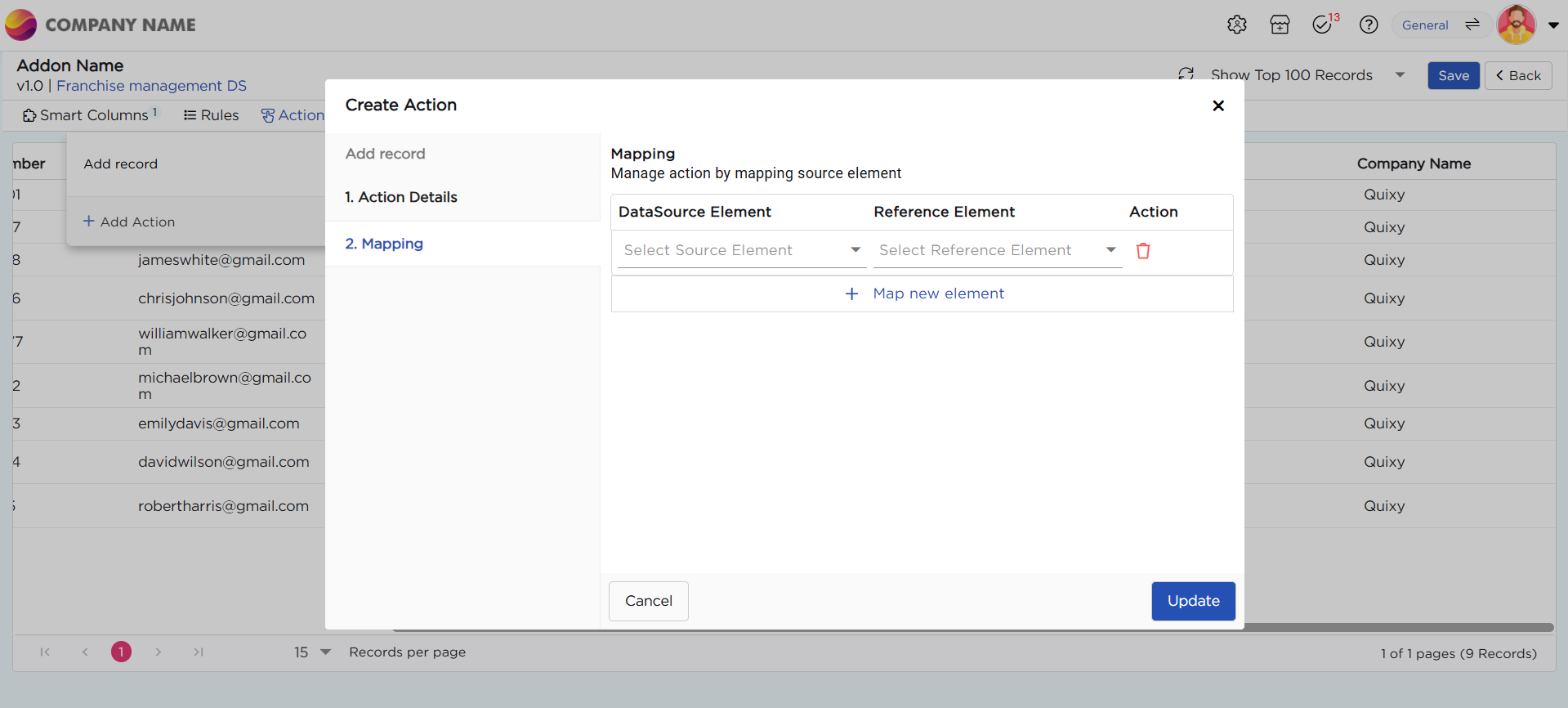
Mapping is the process of linking specific data elements from the source (List View) to their corresponding reference fields in the application. This ensures that when an action is performed, the correct data flows seamlessly between the two.
For example, if a List View contains a column for "Customer Name," you need to map it to the corresponding "Customer Name" field in the application. This way, any action performed on the List View—such as adding or updating records—will correctly reflect within the application.
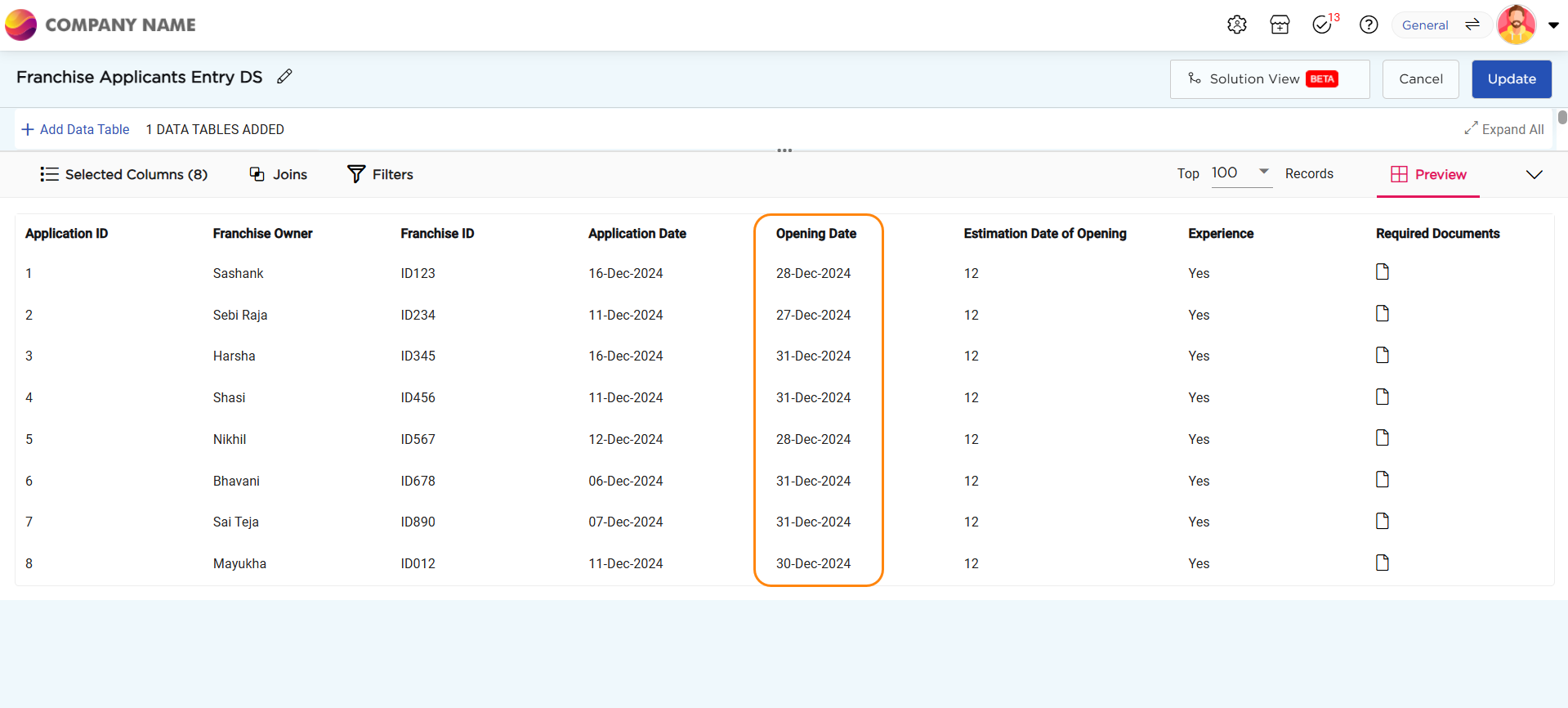
¶ 2. Data Source Element:
Refers to the element in the Data Source where the data originates. (e.g., Opening Date Column)
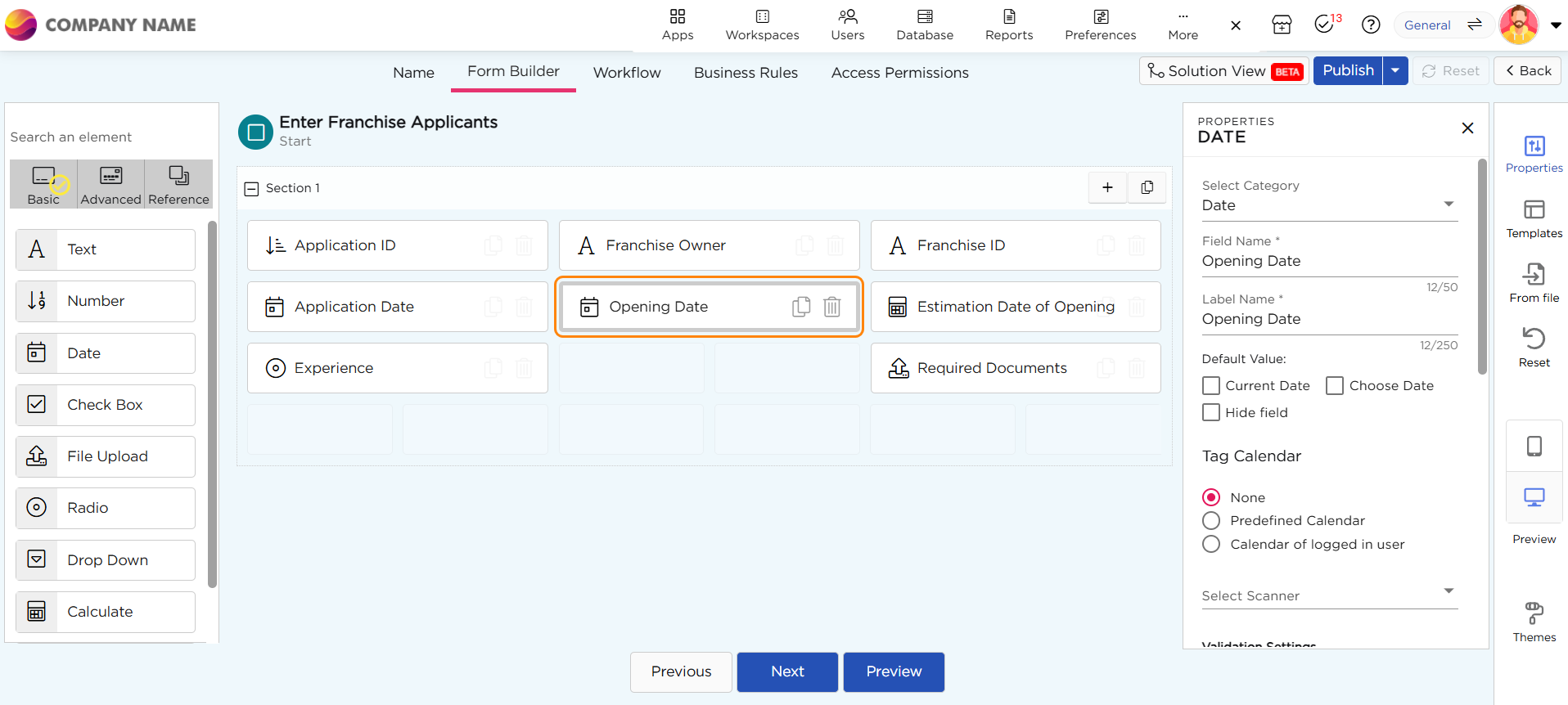
¶ 3. Reference Element:
Refers to the specific field in the application where the data will be added or updated. (e.g., Opening Date Field)
For example, we choose to “Open add record” action on the “Opening date” column in the list view using a “Button” action type that opens in a “New Tab”.
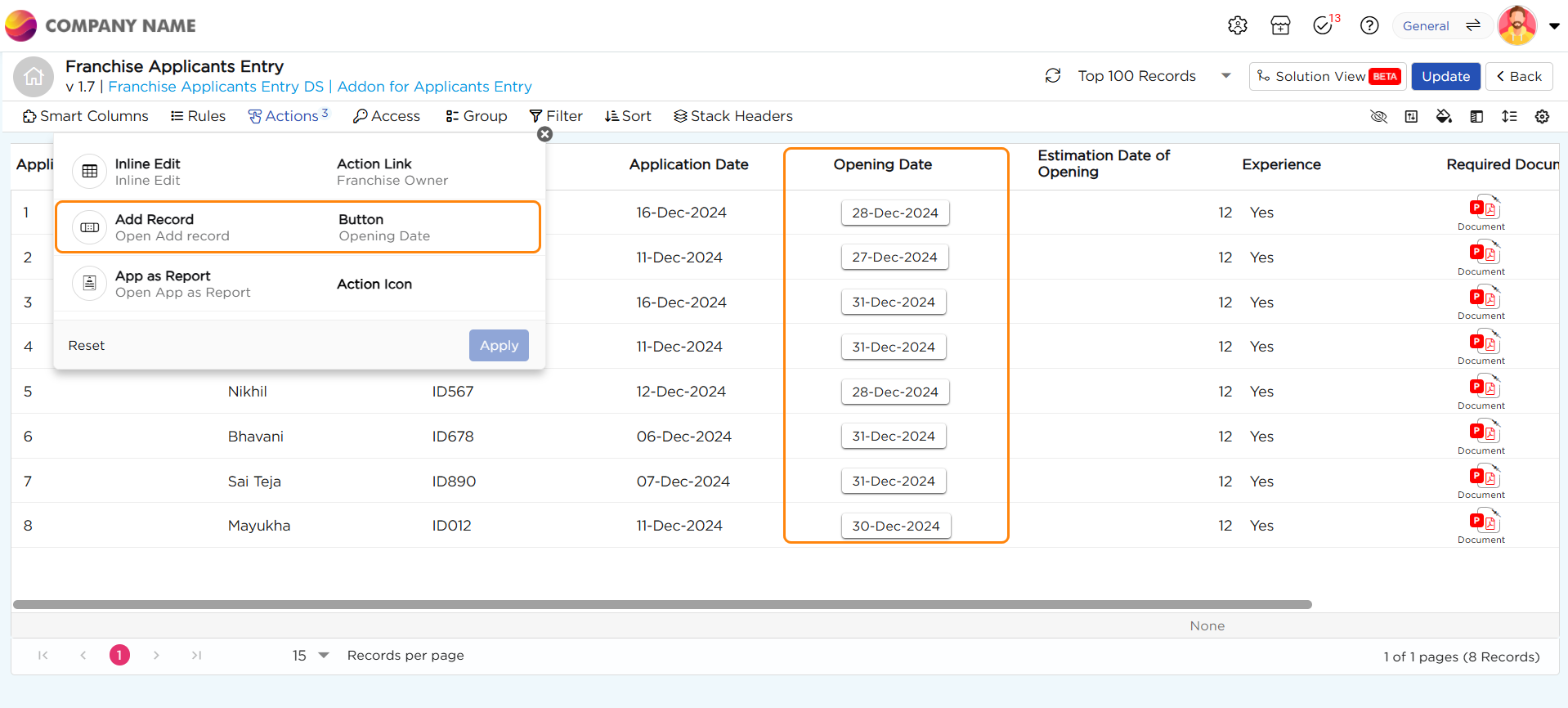
¶ Behavior of the "Open Add Record" Action:
- Since we configured the "Open Add Record" action on the “Opening Date” column in the list view.
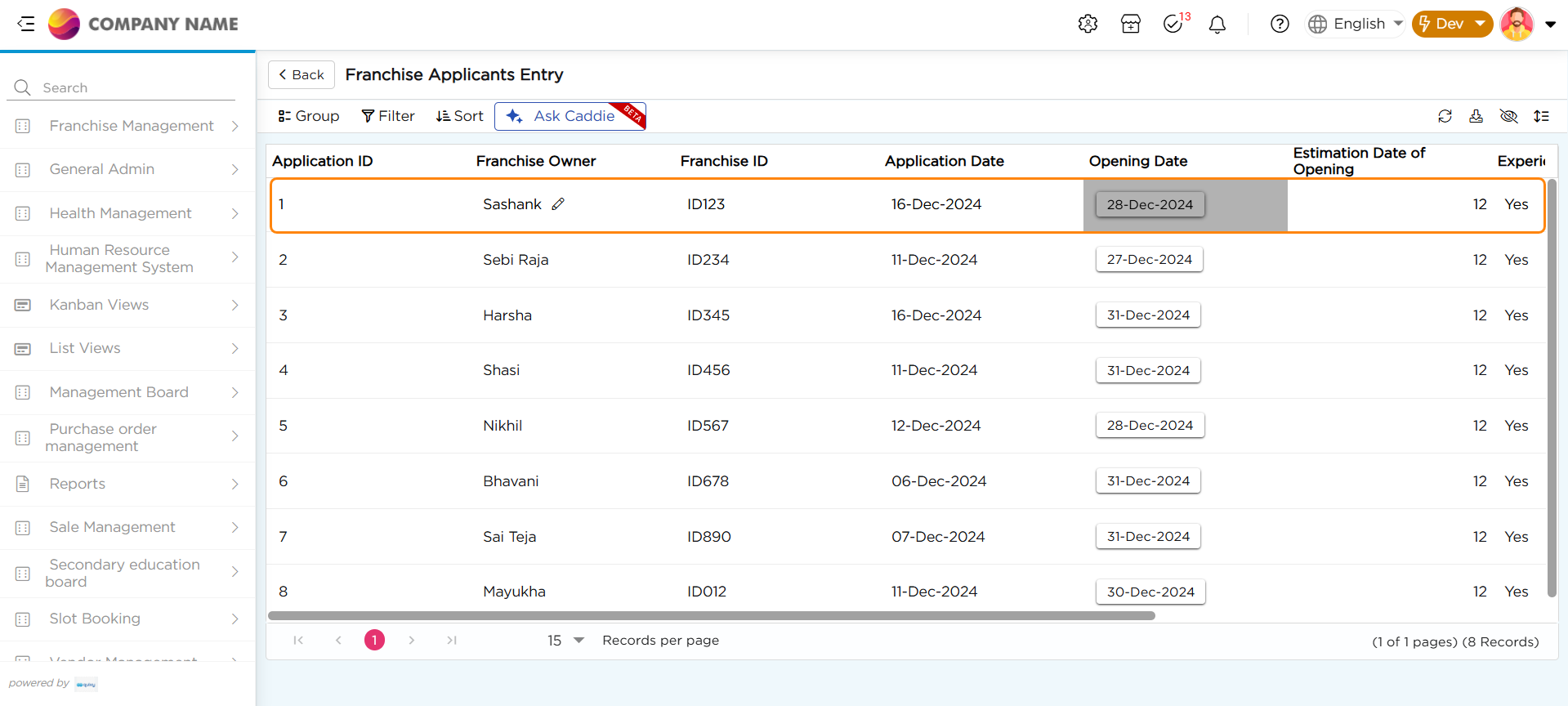
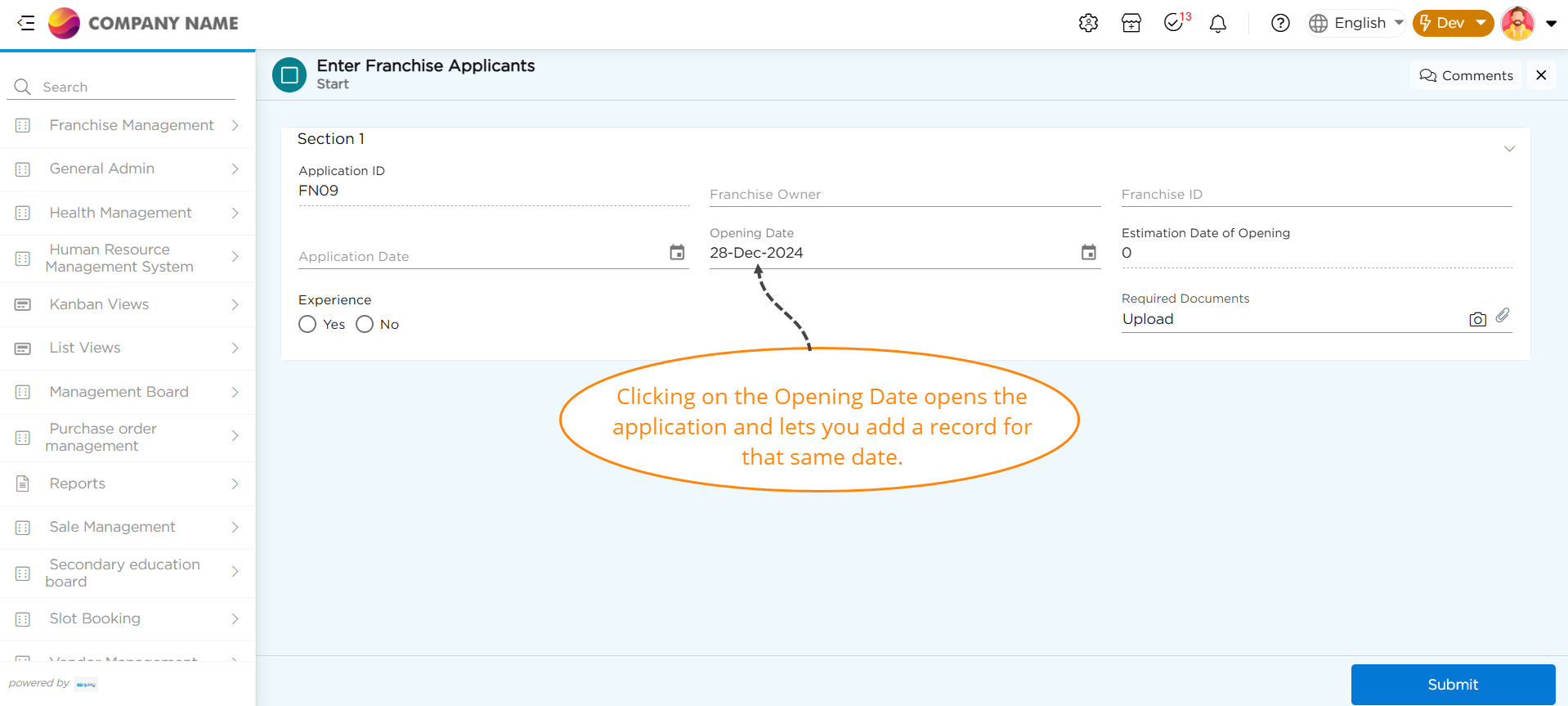
- Now, let’s click on the “Opening Date” on the selected row.