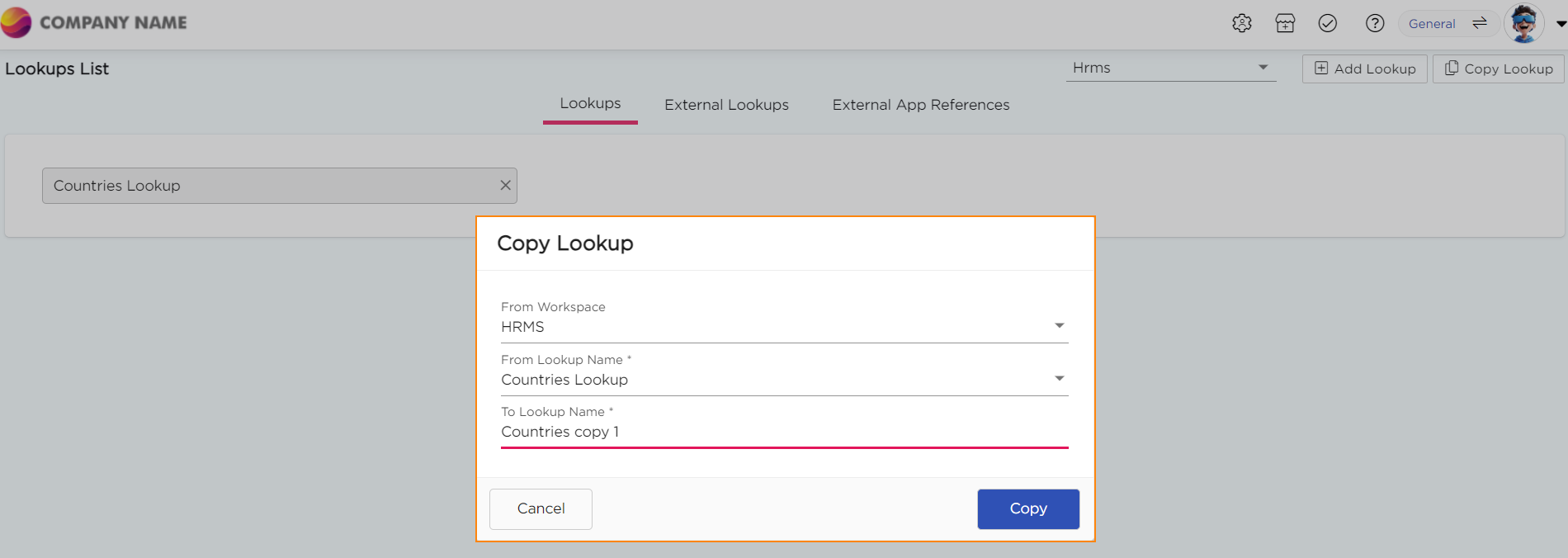
When you copy a lookup, a new lookup is created with the same values as the original. This helps you reuse existing lists without recreating them from scratch.
¶ Steps to Copy a Lookup
- Go to Admin Menu → Database → Lookups. The Lookups List page opens.
- Click on Copy Lookup.

3.A pop-up titled Copy Lookup will appear.
4. Select the Workspace from where you want to copy the lookup.
5. Select the Lookup you want to copy.
6. Provide a Unique Name for the lookup.
7. Click Copy to create the new lookup.