¶ NEW FEATURES
¶ Barcode Generation in Reports
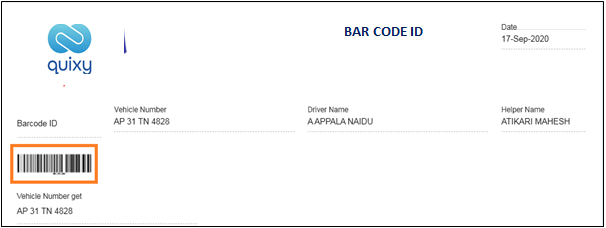
This new feature allows the users to produce a barcode in reports against a field value.
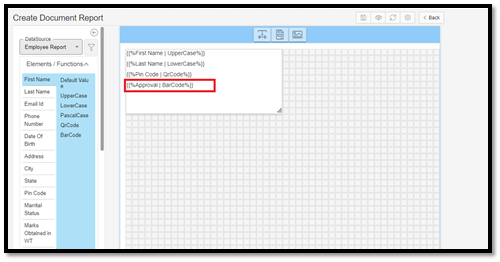
This barcode inscribed in the report can be scanned by a Quixy app or a 3rd party app to fetch its value.
¶ FEATURE IMPROVEMENTS (WEB APPLICATION)
¶ Auto Refresh in List Screen
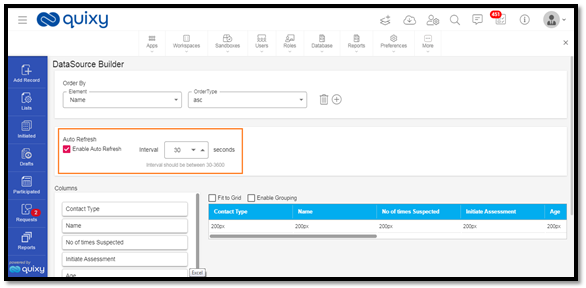
This feature enhancement allows the users to enable the Auto-Refresh option and set an interval time in the list screen where the list screen page will refresh automatically for a defined time interval.
Previously, users would do it manually by clicking on the refresh button provided at the top right corner.
¶ Change Password Validation
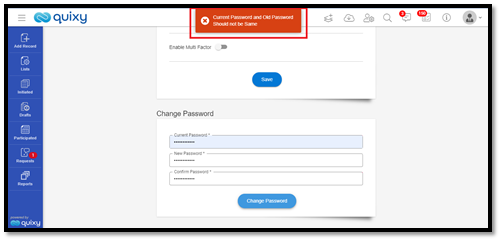
This feature enhancement restricts the user to put the same password as the earlier one while changing the password.
¶ Right-To-Left Feature (User Level)
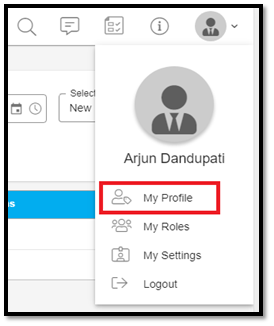
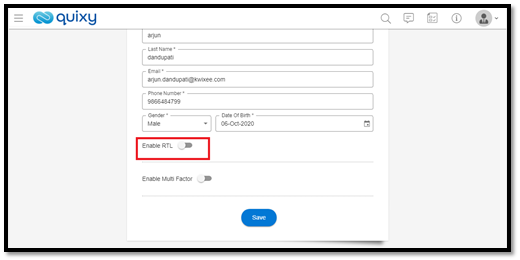
This feature enhancement allows the users to experience the platform in an enhanced way, where every element on the screen aligns from 'Right-to-Left' when RTL is activated.
Previously, this feature access was only given to the organization admin to enable the entire organization's RTL alignment.
Now, this feature is also available at the user level. So, any user in the organization can configure alignment to either LTR or RTL.
¶ SMS Notifications for App Data
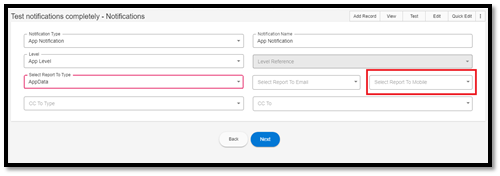
This feature enhancement allows the admin users to configure SMS Notifications for sending SMS alerts to the user phone numbers captured in-app data.
¶ Multiple options to free trial users to contact the Sales Team
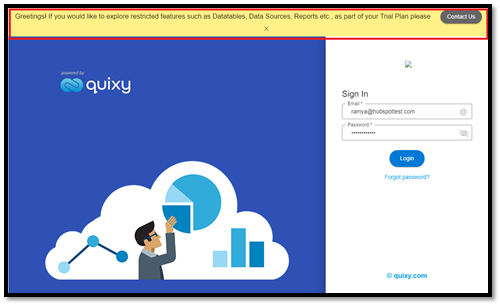
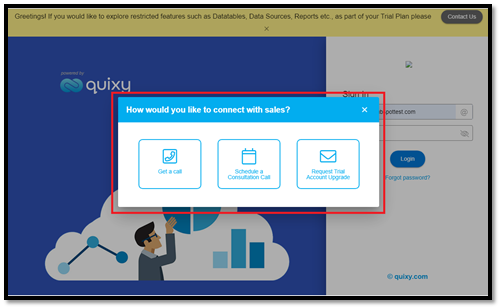
This feature enhancement allows the Free Trial users to contact the sales team to GET A CALL, SCHEDULE A MEETING, or SEND AN EMAIL.
Previously, users had only one option to schedule a meeting with the sales team.
¶ Automatic Image Resize in List Screen
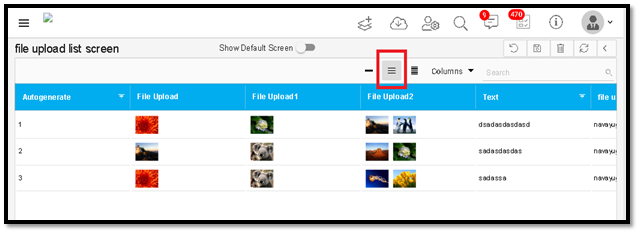
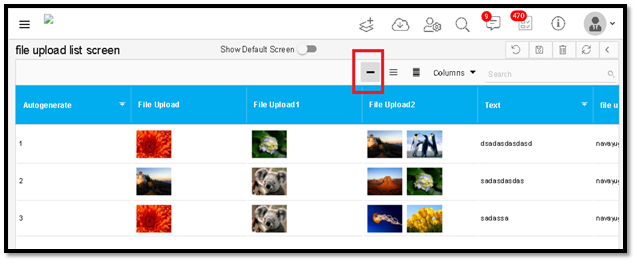
This feature enhancement allows the users to experience an automatic image resize in the list screen page's data columns when the column height is increased or decreased.
Previously, the image size would not change when the column size increased or decreased.
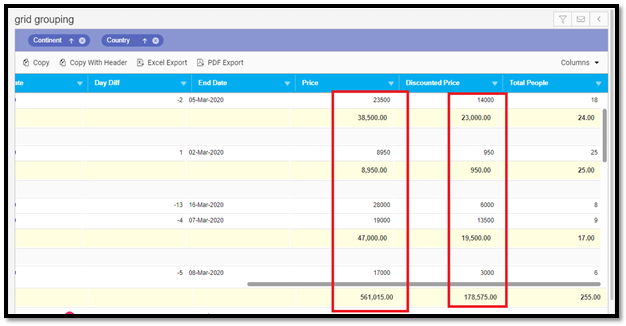
¶ 'Group Totals' Right Aligned in Grid Report
In this feature enhancement, Group Total values align to the right of the data column in the grid reports.
¶ Change in the field positions in Create Task page for an App
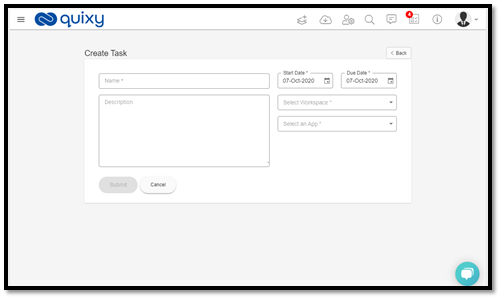
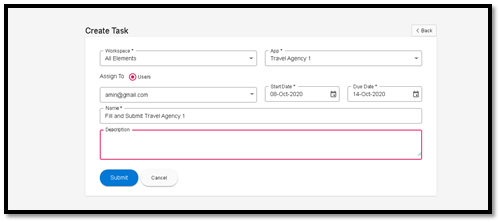
This feature enhancement allows the users to experience a change in the element field's positions in Task screen > Create task.
Previously, the fields were visible, as shown below.
Now, the fields are visible, as shown below.
¶ Two more options added in Print Reports
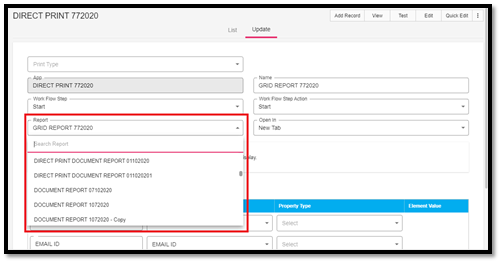
In this feature enhancement, document report and chart report options will include in the print report dropdown.
¶ UI Enhancement for Calculate Element
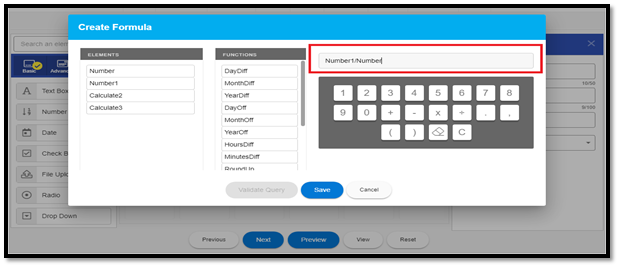
In this feature enhancement, users will be able to create formulae much faster than before. Users can type in arithmetic operations from the keyboard and edit the same by placing the cursor anywhere in the formula.
¶ Enhancement in the Dropdown Fields
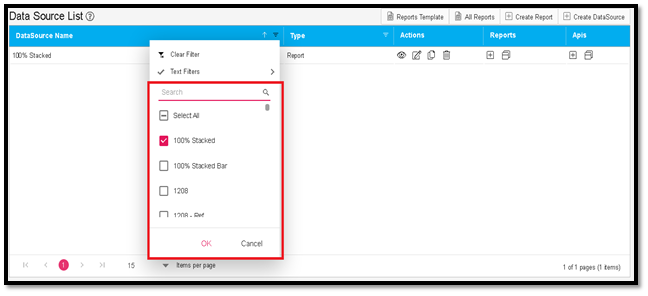
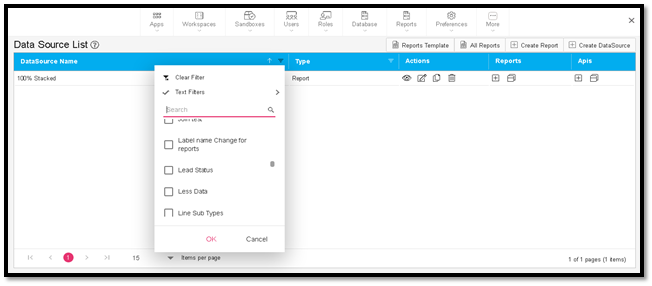
In this feature enhancement, the list of values displayed in the search results for a dropdown field is increased to 50, and when clicked again on the dropdown, the remaining values will be visible along with the chosen value.
Now, users can change the selected values without clearing it from the dropdown.
¶ FEATURE IMPROVEMENTS (MOBILE APPLICATION)
¶ Right-to-left feature (organization and user level)
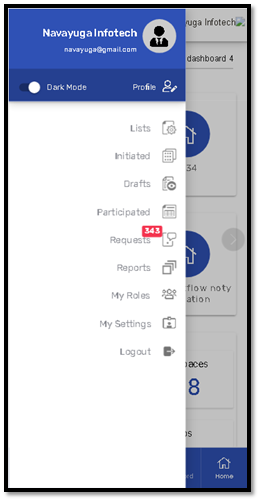
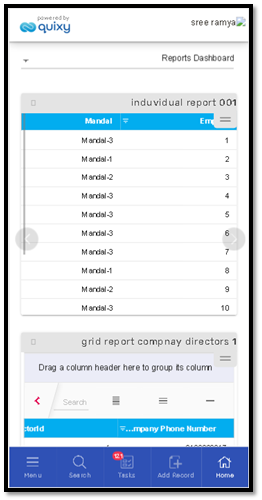
This feature enhancement allows users to experience the mobile platform in an enhanced way. Every element on the mobile screen aligns from 'Right-to-Left' when RTL is activated.
This feature works in the mobile application only as defined in the web application by the organization admin or user.
The mobile application does not have an RTL option to either enable or disable it.
¶ Grid Usability Enhancements
This feature enhancement allows the users to click anywhere on a Grid row to edit and update a record in the grid.
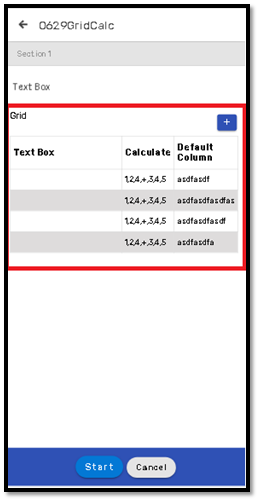
Previously, users click on the edit icon corresponding to a row in the grid to edit and add a record.
¶ Access to Rich Text Editor (RTE)
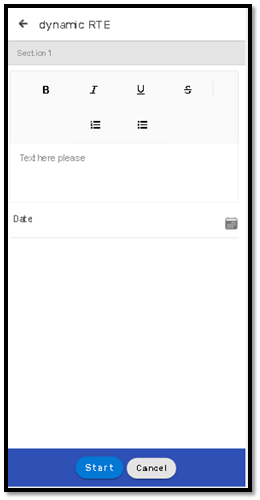
This feature enhancement allows the users to use the RTE in the mobile application.
¶ Toaster Message Appearance
This feature allows users to set the preferences (position, background color etc.) for the Toaster Messages in the Mobile app.