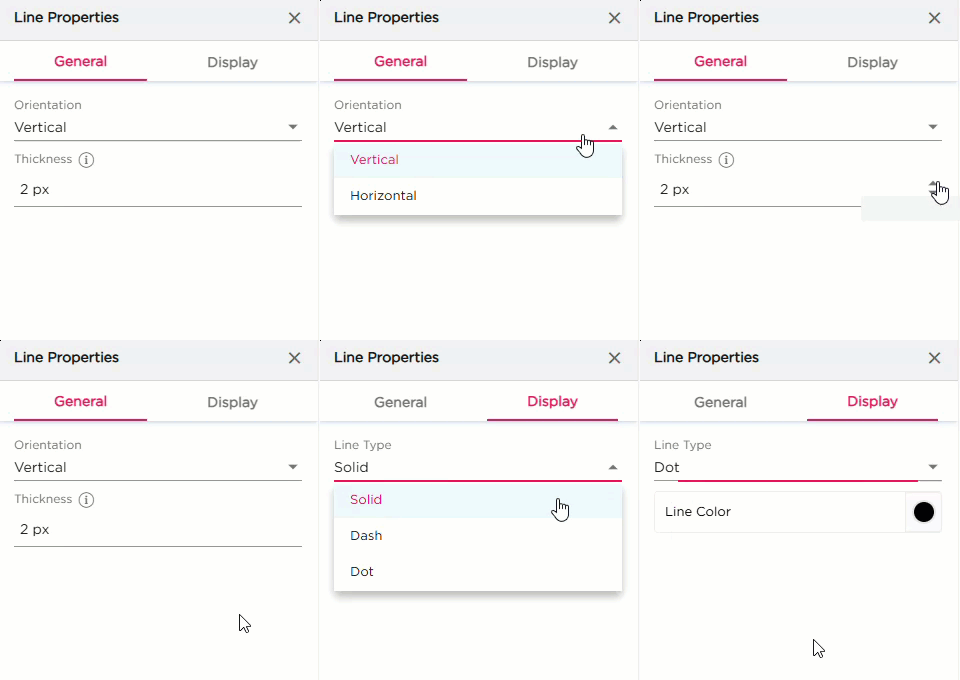
Once you drag and drop the Line dashlet onto the canvas, select it and click the settings icon to open the Line Properties panel. Configuration is divided into General and Display sections.
¶ 1. General Settings
| Setting | Description |
|---|---|
| Orientation | Sets the direction of the line between Horizontal or Vertical. |
| Display Name | Enter the name that should appear on the dashboard for these dashlet. |
¶ 2. Display Settings
| Setting | Description |
|---|---|
| Line Type | Choose how the line should appear between Solid, Dash, Dot. |
| Line Color | Pick the color for the line. |