A Data Source Reference is used to retrieve and display data from a configured Data Source within the application. To fetch data from a Data Source into the application, ensure that a Data Source - Reference is already configured for the selected Data Source.
¶ 1. Configuration
Follow the steps below to configure a Data Source Reference field in the application.
- In the Form Builder, go to the References section.
- Drag and drop the Reference field onto the canvas.
- In the Reference field properties, select the category as Data Source Reference.
- Select the required Data Source Reference from which data should be fetched into the application.
- Select the required Function Type:
- Single: If you select Single, the output fields will appear individually.
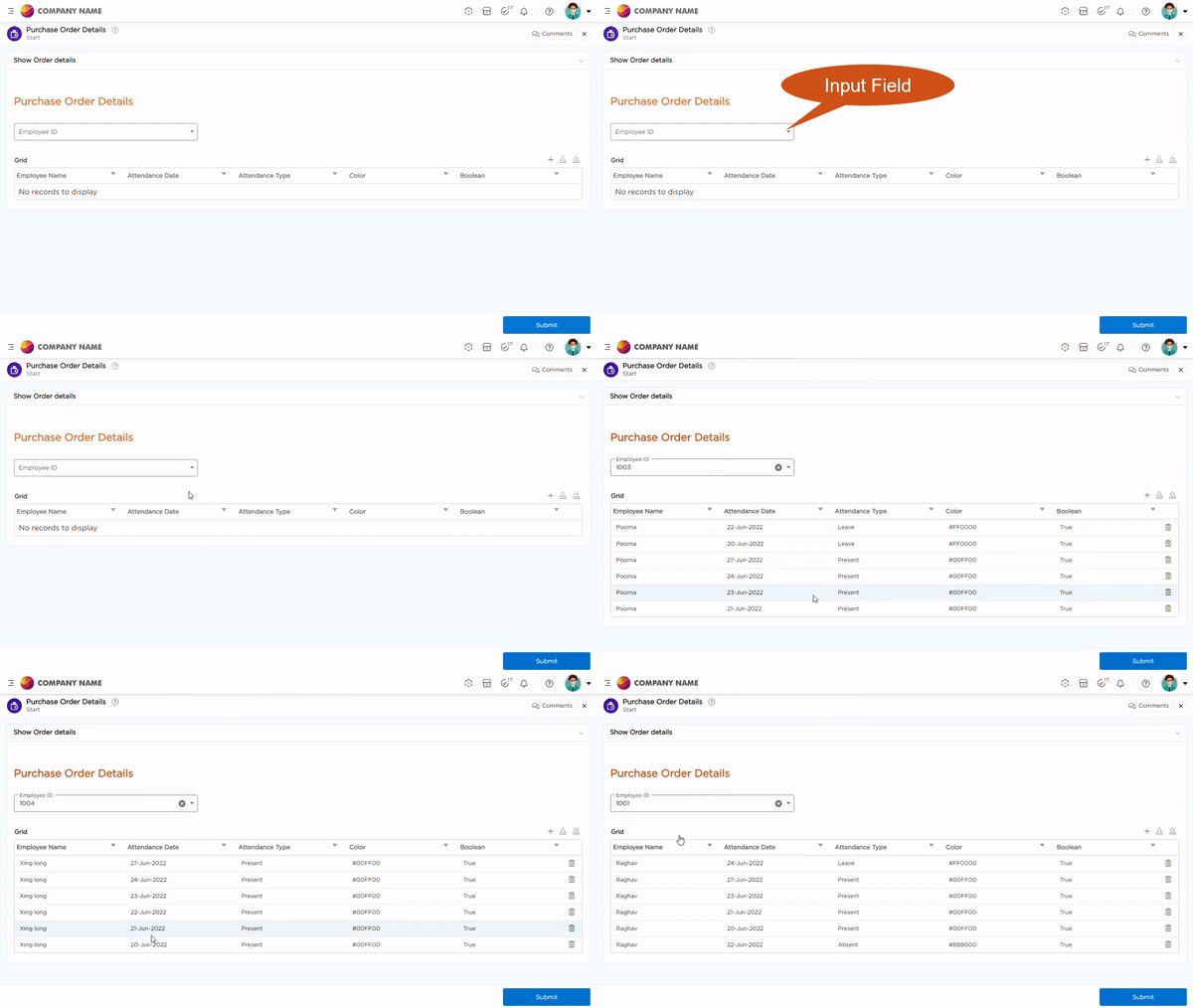
- List: If you select List, the output fields will be displayed in a grid format.
- The Reference Element (Input Element) is automatically fetched from the selected Data Source Reference configuration.
- Select the referenced output elements that should be displayed in the form. These fields are retrieved from the selected Data Source Reference configuration.
- Enter the required Field Name.
- Save the configuration.
- The selected output fields will automatically appear on the Form Builder canvas. Rearrange the fields as required.
¶ 1.1. End-User Experience
¶ 2. Field-Specific Properties
Note
This field supports all standard form field properties. Refer to the Form Field Properties article to understand common properties.
The properties below apply specifically to the Reference field.
| Property Type | Description |
|---|---|
| Select Category |
Used to define the type of reference configuration required for the field. Available options
|
| Select Data Source Reference | Appears only when the category is selected as Data Source Reference. Used to select the configured Data Source Reference from which the application should fetch data. |
| Select Type / Function Type |
Defines how the referenced data is displayed in the application. Available options:
|
| Select Referenced Elements | Used to select the output fields that should be displayed in the form after retrieving the reference data. Multiple fields can be selected based on the configured output values. |