The E Signature field is used to capture electronic signatures within the application for authentication purposes. It allows users to provide a digital signature directly in the form.
¶ 1. Field-Specific Properties
Note
This field supports all standard field properties. Refer to the Form Field Properties article for validation, visibility, and styling options.
The properties below apply only when the ESignature field is selected.
| Property | Description |
|---|---|
| Signature Input |
Displays a “+ Sign Here” option for users to add their signature. 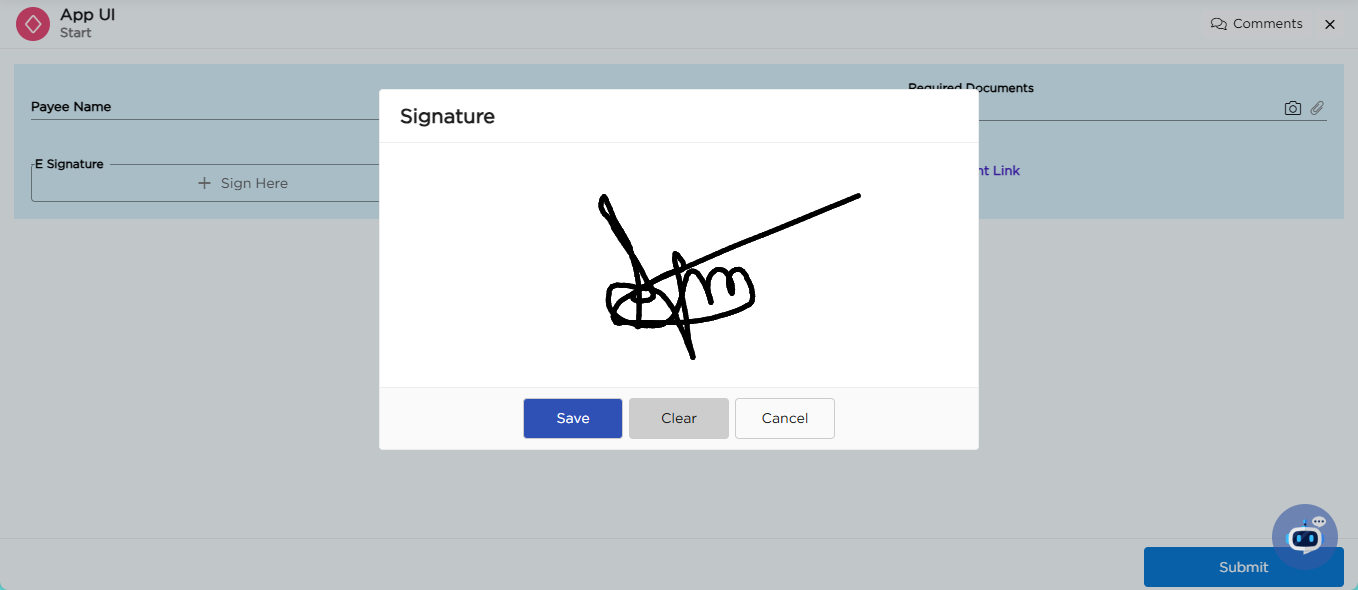 |
¶ 2. Common mistakes while using E Signature
| Type | Mistake | Impact | Fix |
|---|---|---|---|
| Not saving signature | User signs but does not click Save | Signature is not captured | Click Save after signing |
| Saving incorrect signature | User signs wrongly and saves | Wrong data stored | Use Clear before saving |
| Skipping signature | User does not sign | Missing authentication | Make field required (via Form Field Properties) |